
ALZ SHOP
Fast, Reliable, and Easy Boot Solutions.
Chat us via Facebook, Shopee, or Email. Just click the icon above ;)
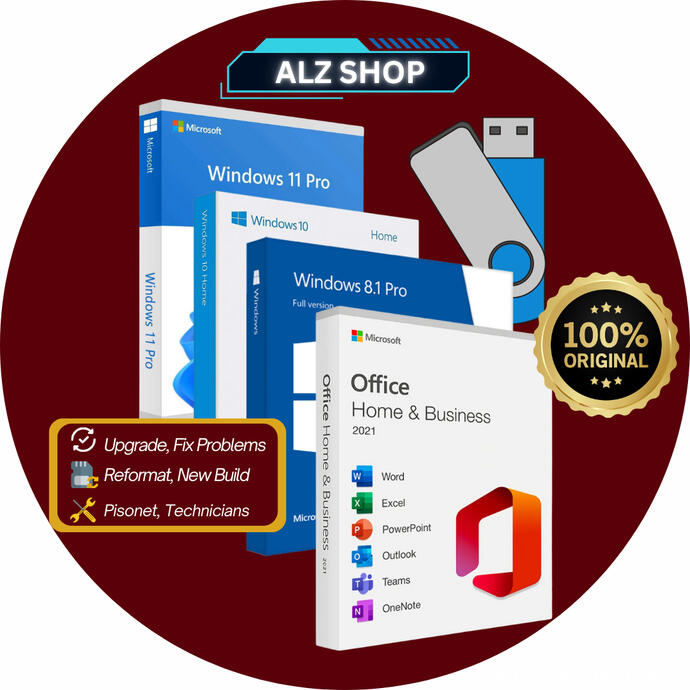
ALZ BOOTABLE USB
The most advance Bootable USB is now here!
Magical Experience. Multi Operating System package
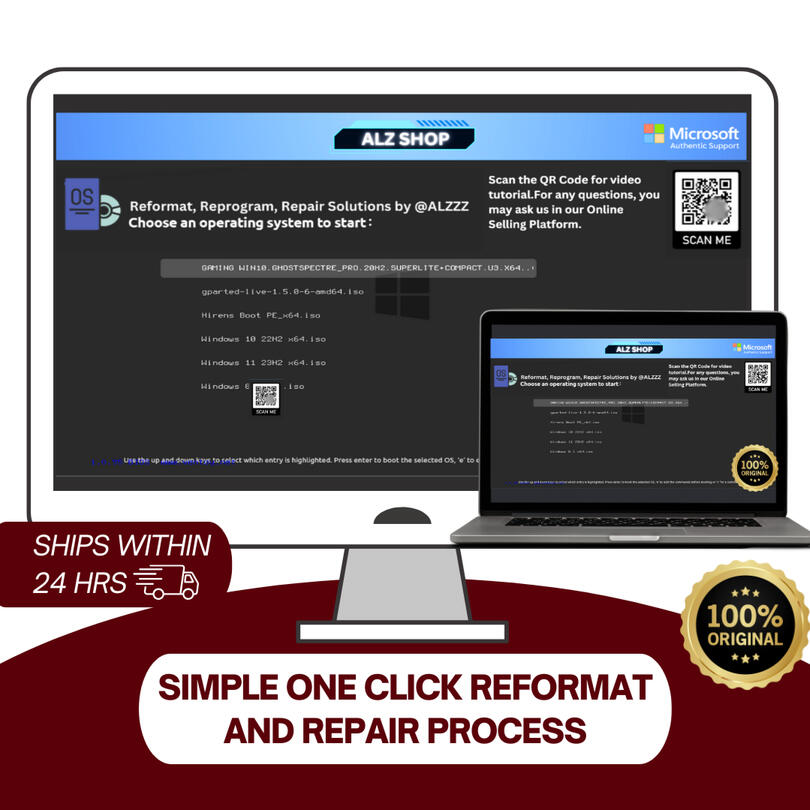
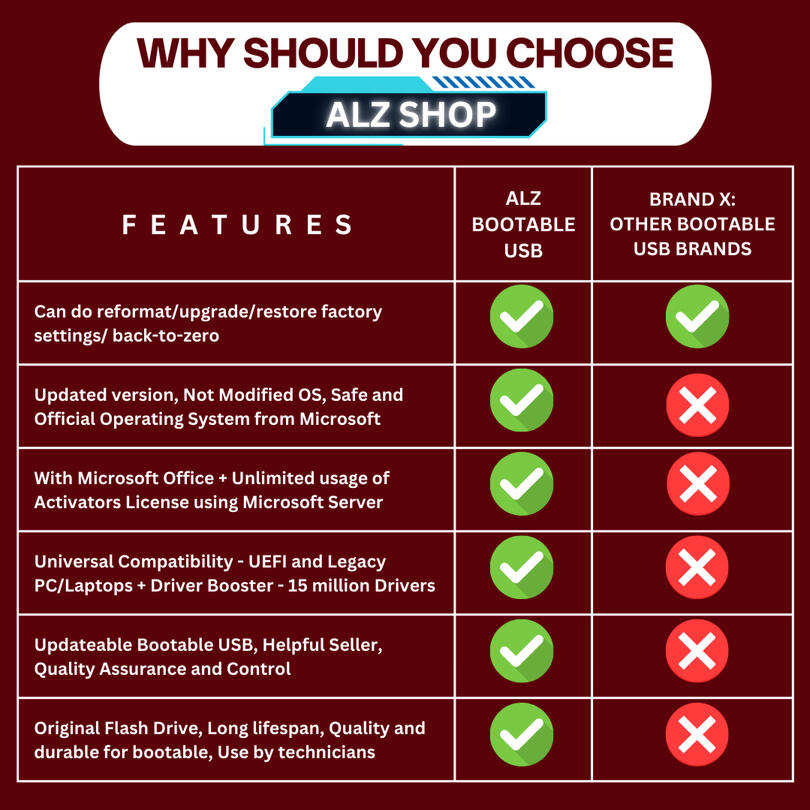
The most trusted Bootable USB used by beginners and technicians
Guaranteed performance. Satisfied Results
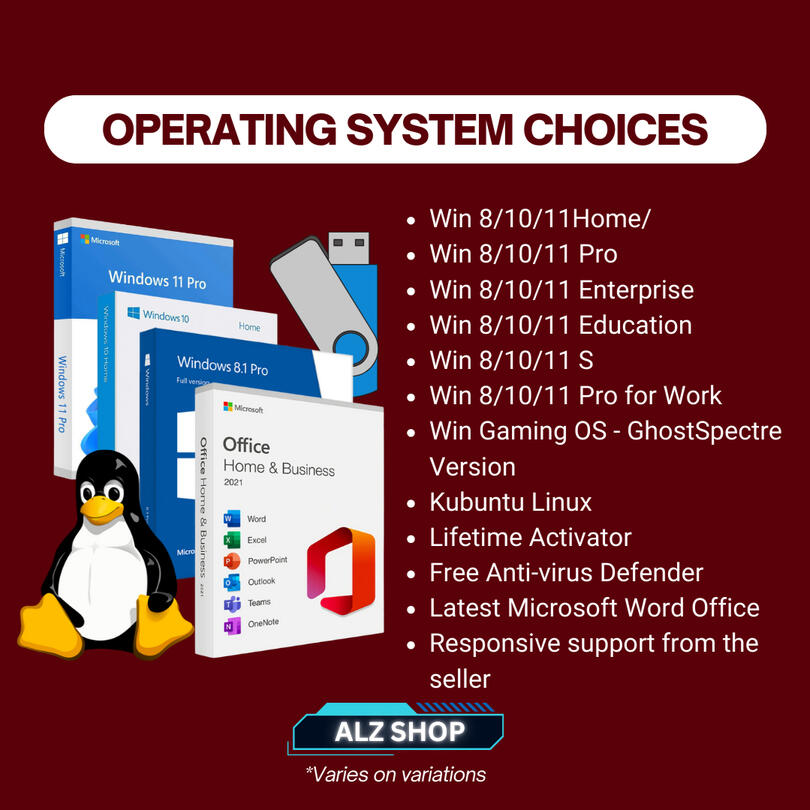
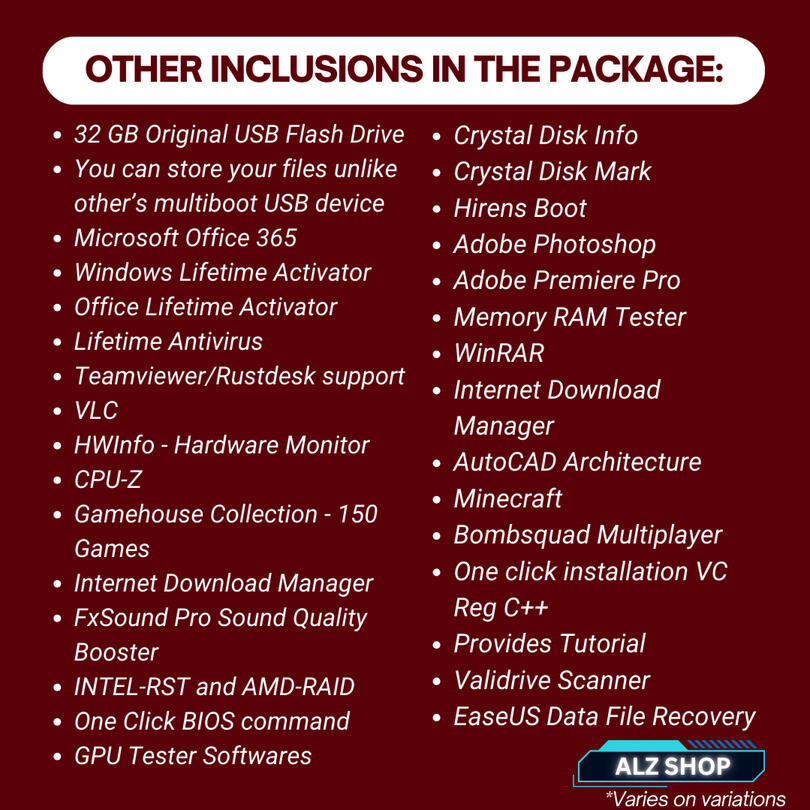
Loaded with a lot of freebies - all-in-one utilities. Worth more than PHP 8000!
Feel free to chat us on our Shopee, Facebook Page, or even via email!
ALZ BOOTABLE USB
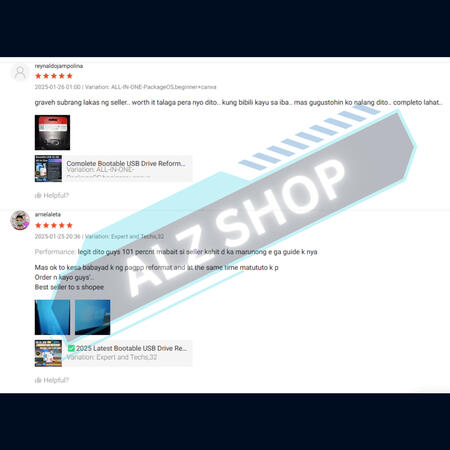
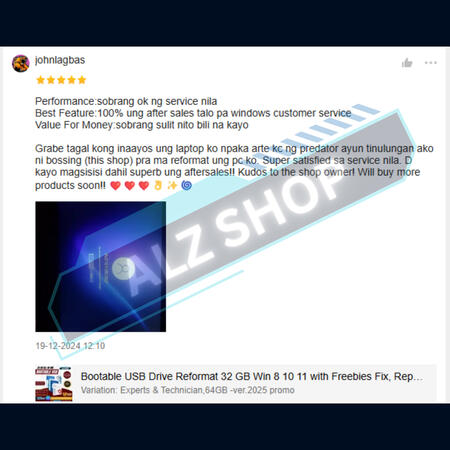
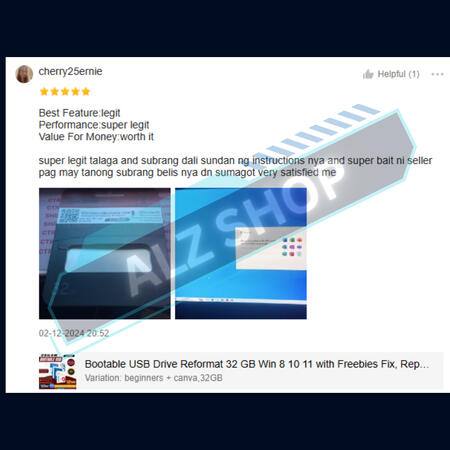
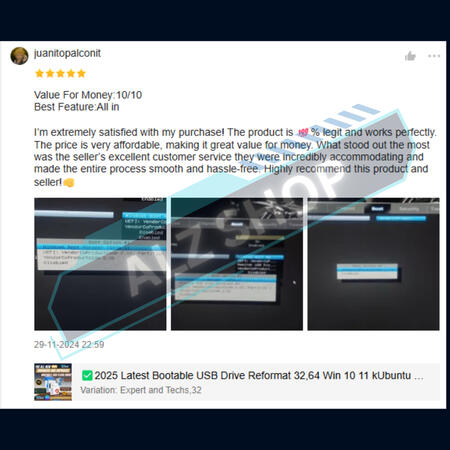
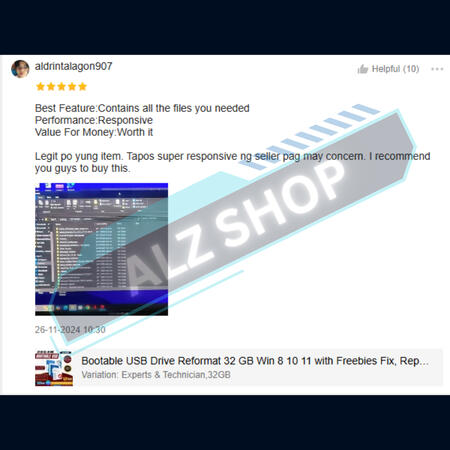
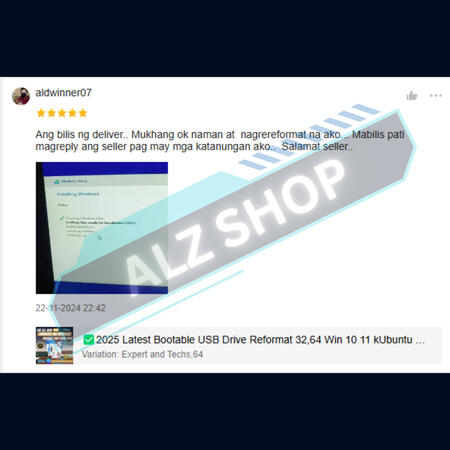
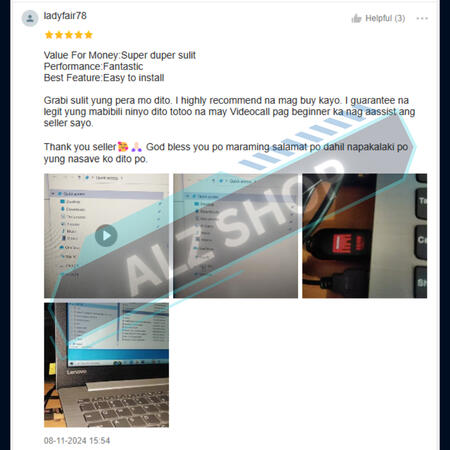
ALZ SHOP REVIEWS

ALZ BOOTABLE USB
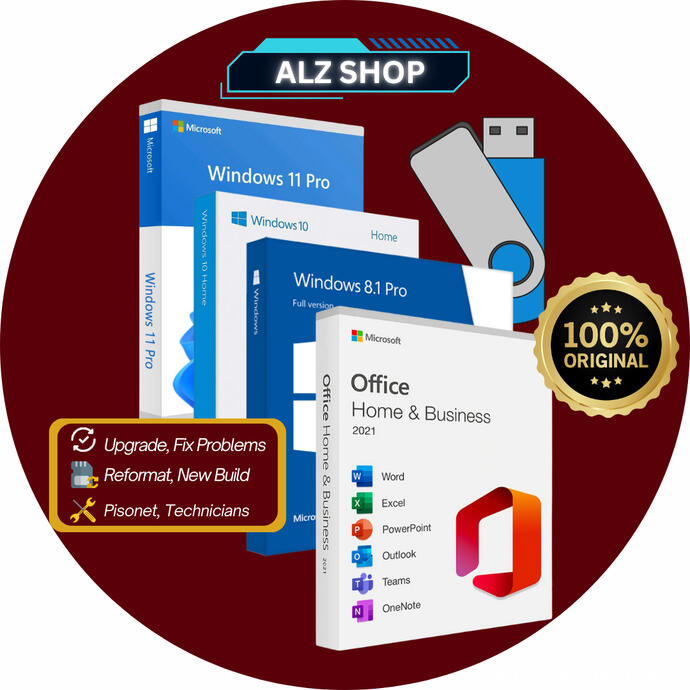
ALZ Bootable USB – Your Ultimate PC Recovery and OS Installation SolutionThe ALZ Bootable USB is a high-performance, pre-configured USB drive designed for effortless operating system installation, PC troubleshooting, and system recovery. Whether you're setting up a new computer, repairing a corrupted OS, or performing data recovery, this plug-and-play solution ensures a seamless experience.🔹 Key Features:
✅ Pre-installed bootable OS for quick and easy setup
✅ Supports multiple operating systems (Windows, Linux, and more)
✅ Fast and reliable USB 3.0 for high-speed data transfer
✅ Ideal for PC technicians, IT professionals, and DIY users
✅ No technical expertise required – just plug in and boot up for experts.
✅ Beginner? We got you! Select the beginner variant on the check out!Say goodbye to complicated installations and unreliable boot disks. With the ALZ Bootable USB, you can get your system up and running in minutes!👉 Get yours today and experience a hassle-free solution!
ALZ BOOTABLE USB - Frequently Asked Questions (FAQ)
1. What is the ALZ Bootable USB?
✔️The ALZ Bootable USB is a pre-configured USB drive that allows you to install or repair an operating system (OS) on your computer. It’s designed for Windows, Linux, and system recovery tasks, making it a must-have tool for PC users, technicians, and IT professionals even for beginners.2. What operating systems does it support?
The ALZ Bootable USB supports multiple OS versions which varies in variations, including:
✔️ Windows 8 /10 / 11 - 64 Bit - All editions including Windows Home and Windows Pro
✔️ Linux distributions (Ubuntu, KPlasma Based)
✔️ Other bootable tools for system recovery3. How do I use the ALZ Bootable USB?
1️⃣ Insert the USB into your computer.
2️⃣ Restart your PC and enter the Boot Menu (You may open the tutorial in the ALZ homepage).
3️⃣ Select the USB drive as the boot device.
4️⃣ Follow the on-screen instructions to install or repair your OS.4. Do I need technical knowledge to use it?
✔️Not at all! The ALZ Bootable USB is designed for both beginners and professionals. Just plug it in, follow a few simple steps, and you’re ready to go.5. Will this work on a computer with a corrupted OS?
✔️Yes! The ALZ Bootable USB is perfect for fixing corrupted operating systems, performing fresh installations, and troubleshooting startup issues.6. Can I use this USB on multiple computers?
✔️Absolutely! You can use the ALZ Bootable USB on multiple devices without restrictions.7. Does this USB come with a lifetime warranty?
✔️We offer a limited warranty that covers defects. If you experience any issues, feel free to contact our Store.8. How can I buy the ALZ Bootable USB?
✔️You can purchase it directly from our Shopee store or through our website. Click “Buy Now” to place your order.9. Can I get a refund if the USB doesn’t work?
✔️Yes, but first, we had to check the Flash Drive remotely to verify/ After that, we can have a replacement and refund policy for defective items. Contact us within 3 days of purchase for assistance.